
Forms & site details
Receive contact form emails and manage submissions in WordPress, and update phone, email, address, and hours once across every page.
AI-generated websites always include a sleek contact or booking form—and static HTML forms normally do nothing when clicked. In Kerf, every <form> in your design works out of the box without installing a form builder plugin or losing your form’s CSS classes.
Zero-config HTML forms
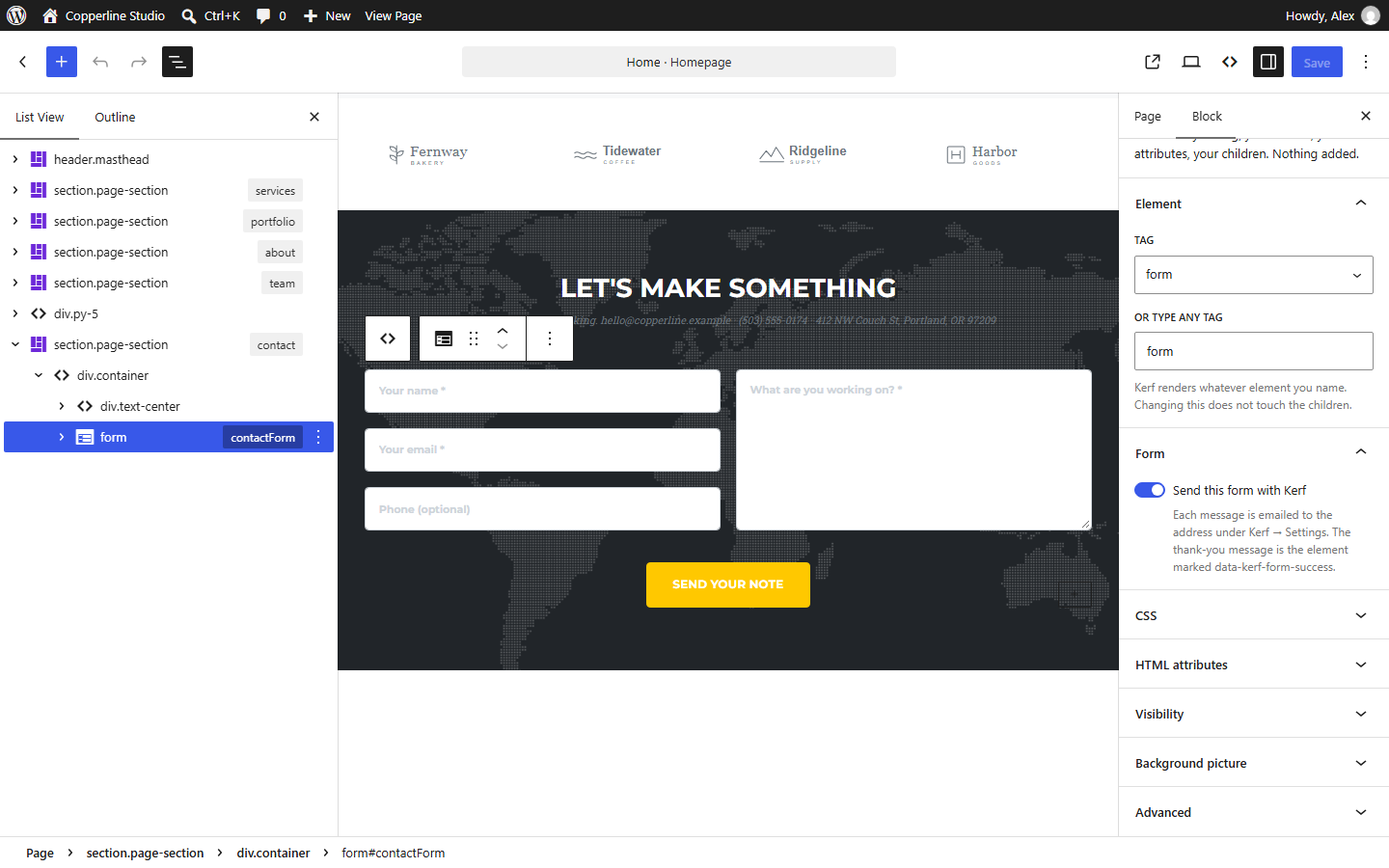
When Kerf imports a page containing a <form> (excluding search forms or forms pointing to an external URL), it keeps every <input>, <textarea>, <select>, and submit button exactly as styled and enables Send this form with Kerf:
- Visitors submit the form smoothly on the page with an accessible status message.
- Kerf emails the submission to your site’s configured recipient address (with any uploaded file attachments included).
- In the Block Editor, select any
<form>to customize its confirmation message or toggle Kerf handling on or off.
Form entries inbox & spam protection
Every submission is also saved inside WordPress under Kerf → Form entries so you never lose a lead if an email server hiccups. Built-in spam protection includes:
- An invisible honeypot field and timing check.
- Per-IP rate limiting.
- A dedicated Spam folder under Form entries and a
kerf_form_is_spamfilter for custom integrations.
Updating business details under Kerf → Site details
Phone numbers, email addresses, street addresses, opening hours, and social links often appear in the header, footer, and contact page simultaneously. Kerf detects these during import (or via data-kerf-site="phone|email|address|hours|name") and links them to Kerf → Site details. Change your phone number or hours once on that screen and every bound spot across your entire website updates immediately, including tel: and mailto: links.